

Set Google as your Default Search in IE
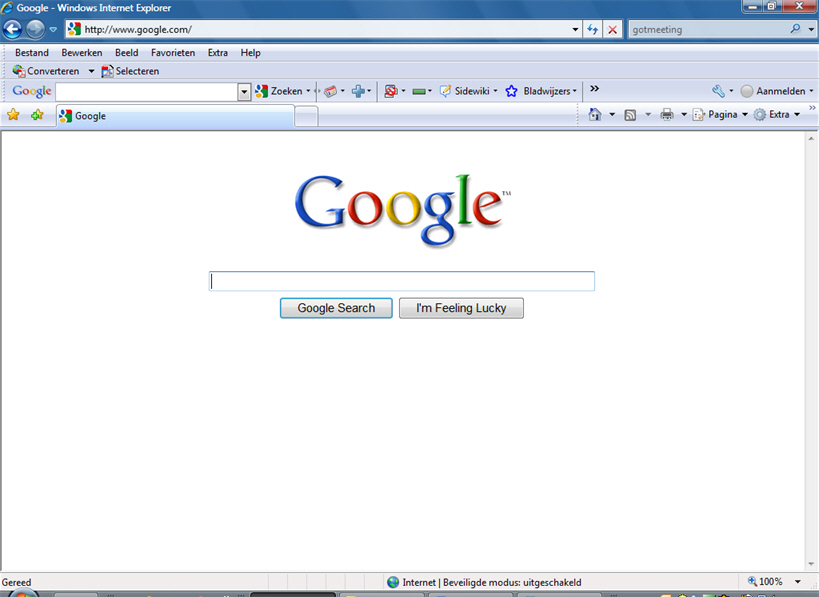 I just of sharing with you guys how to make Google your homepage in internet Explorer IE
To Add Google as your default search engine in IE.
Copy everything in the box below into NOTEPAD
CODE
REGEDIT4
[HKEY_CURRENT_USER\Software\Microsoft\Internet Explorer\Main]
"Search Page"="http://www.google.com"
"Search Bar"="http://www.google.com/ie"
[HKEY_CURRENT_USER\Software\Microsoft\Internet Explorer\SearchURL]
""="http://www.google.com/keyword/%s"
[HKEY_LOCAL_MACHINE\SOFTWARE\Microsoft\Internet Explorer\Search]
"SearchAssistant"="http://www.google.com/ie"
1. Save the file as Google.reg
2. Double click to import to your registry.
I hope that helps
DON'T FORGET TO USE THE SHARE BUTTON TO HELP SHARE THIS POST TO YOUR FRIENDS AND LIKE THE POST IF IT HELPS YOU. TO GET OUR POST EACH TIME WE UPDATE JUST CLICK ON THE LINK Subsbcribe to princeonline blog by Email


 Read More
Add your Comment
0
comments
Read More
Add your Comment
0
comments
HOW TO BOOST YOUR SYSTEM

Boosting Computer Speed have become a very serious problem all around the world. Computer Maintenance are nowadays a serious headache for people. If you are running a Windows computer then it is very likely that your System will run too slow. There are many reasons responsible for retarding the speed of your PC. Temporary files present on the disk, large files & folders, fragmented registry files, many more are responsible for slackening the speed.
Read More
Add your Comment
0
comments

Windows Xp: Speed Up Your, Speed Up Your Network and Internet Access
I GOT A message about how to speed up your internet connection with window xp..

 So i had to post this
I have a dial up connection and it improve my speeds about 25% in surfing the internet. give it a try. Im IT , only do it if you feel comfortable with changing registry.
Increasing network browsing speed
Does your computer slow down when you browse your local area network and connect to other computers that are sharing data? One of the most common causes of this slowdown is a feature of Windows Explorer that looks for scheduled tasks on remote computers. This effort can take some time on some computers and can really slow down your browsing. The window with which you are browsing the network may appear to freeze momentarily, as the system is waiting for a response from the remote computer.

I have a dial up connection and it improve my speeds about 25% in surfing the internet. give it a try. Im IT , only do it if you feel comfortable with changing registry.
Increasing network browsing speed
Does your computer slow down when you browse your local area network and connect to other computers that are sharing data? One of the most common causes of this slowdown is a feature of Windows Explorer that looks for scheduled tasks on remote computers. This effort can take some time on some computers and can really slow down your browsing. The window with which you are browsing the network may appear to freeze momentarily, as the system is waiting for a response from the remote computer.
Read More
Add your Comment
1 comments


